DISCOVER: Your Teen’s Secret Digital Life
The Digital Shadow: Why “Safe Screens” Are More Than Just Filters
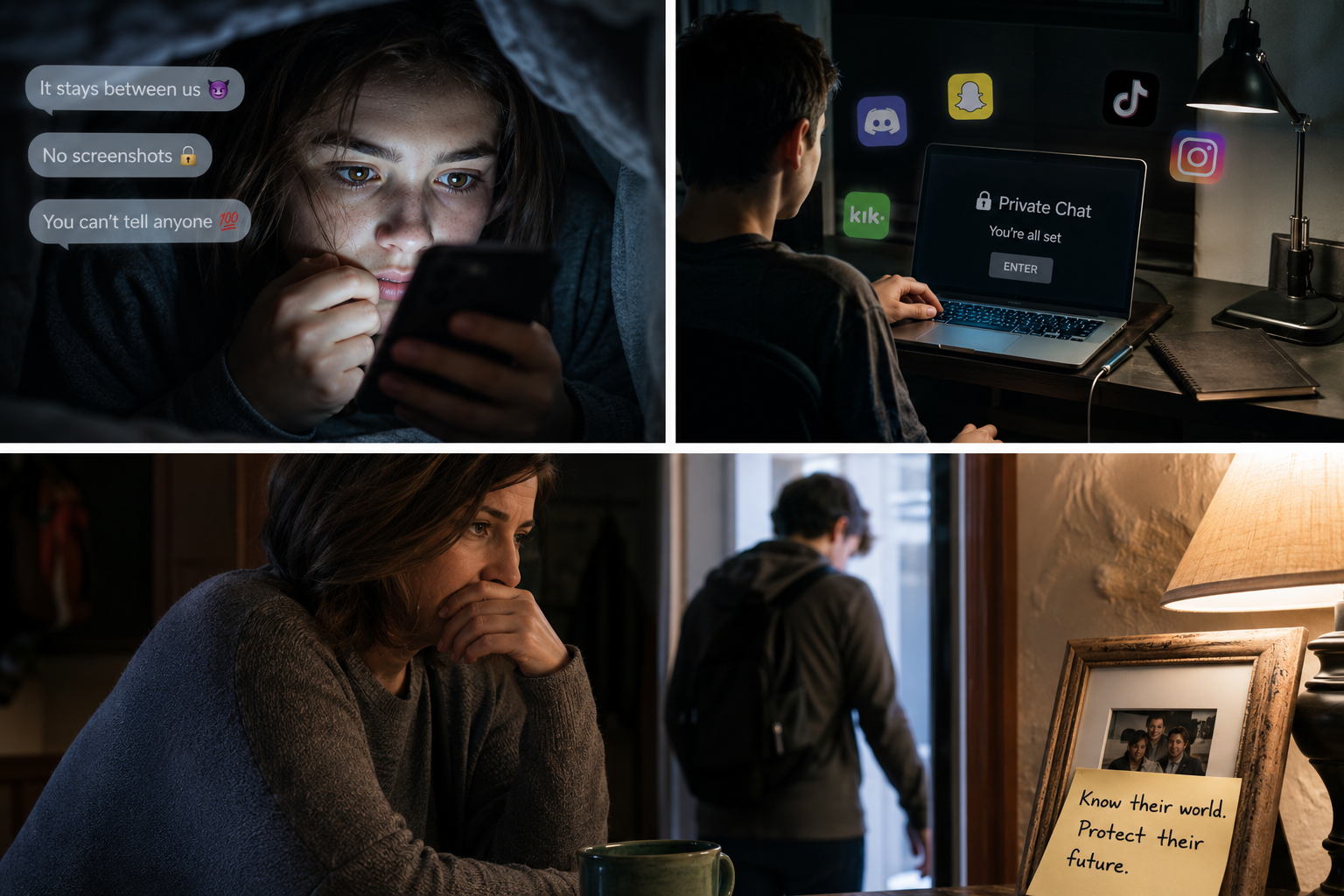
The year is 2026, and the “digital gap” between parents and teenagers has become a canyon. It’s 11:30 PM. Your teen is in their room, the door is shut, and the soft blue glow of a screen illuminates their face. On the surface, they are just “chatting.” But beneath the glass, a world of phone secrets, disappearing messages, and algorithmic rabbit holes is unfolding.
As a parent, you aren’t just fighting for their attention; you’re fighting for their safety as well as dreams. With global smartphone addiction rates hitting 32% among youth, the mission for safe screens has moved beyond simple “internet rules.” It’s now about psychological resilience and transparent communication.
In this guide, we’ll dive into how to foster safe teens in an era of encryption and AI, ensuring that your child’s gadget is a tool for growth, not a gateway to harm.
The Reality of Phone Secrets: What Teens Aren’t Telling You
In 2026, “hiding” content doesn’t look like it used to. It’s no longer about a hidden diary under a mattress; it’s about “vault apps” that look like calculators and “finstas” (fake Instagram accounts) that parents never see.
Common “Secret” Behaviours to Watch For
| Feature | What it is | The Risk |
| Ghost Apps | Apps disguised as utility tools (calculators, etc.) | Used to store hidden photos or messages. |
| Disappearing Modes | Features in apps like Snapchat or Telegram | Leaves no paper trail for parents to review. |
| Incognito Looping | Constant use of private browsers | Bypasses standard history checks. |
| Burner Profiles | Multiple accounts for a single platform | Keeps a “clean” profile for parents to see. |
1. Move from “Spying” to “Safety Monitoring”
There is a massive difference between being a “digital detective” and a “digital guardian.” When teens feel spied on, they become more creative at keeping phone secrets.
The Insight: Use monitoring tools that focus on triggers rather than tracking.
Instead of reading every text (which destroys trust), use AI-driven tools like Bark or Kroha. These apps scan for “alert” words related to depression, bullying, or predatory behavior. You only get notified when there is a genuine concern, preserving your teen’s sense of privacy while maintaining a safety net.
2. Implement the “Public Space” Protocol
The most harmful gadget use happens in isolation—specifically in bedrooms behind closed doors. To ensure safe teens, physical boundaries are often more effective than digital ones.
-
The Charging Hub: Create a “docking station” in a common area like the kitchen. At 9:00 PM, all devices (phones, iPads, laptops) go to bed.
-
The “Open Door” Policy: Use of computers or iPads for homework should ideally happen in “high-traffic” areas of the home.
-
The Shared Tablet: Instead of every child having their own iPad, consider a shared family tablet. This encourages “co-viewing” and naturally reduces the urge to seek out “secret” content.
3. Decoding the Psychology: Why They Hide
To achieve safe screens, you must understand the “why.” Teens often hide their digital lives not because they are “bad,” but because they fear judgment or the loss of their lifeline—the phone.
“Adolescence is a critical developmental period marked by heightened neuroplasticity and identity formation. The addictive design of social media exploits this, making secret use a dopamine-driven habit rather than a choice.” — ResearchGate Literature Review, 2025.
If you find a secret app, don’t lead with a “confiscation” threat. Lead with curiosity: “I noticed this app is designed to hide things. I’m not angry, but I am worried about why you feel you need to hide your activity from me. Is something happening that you don’t feel safe talking about?”
4. Technical Safeguards That Actually Work
You don’t need to be a tech genius to secure your home. In 2026, the best defense is a “layered” approach.
Layer 1: The Router Level
Use a router with built-in parental controls (like Circle or Eero). This allows you to “pause” the internet for specific devices with one tap, preventing late-night scrolling without you having to physically grab the phone.
Layer 2: The OS Level
-
Apple Screen Time: Use “Family Sharing” to approve every app download.
-
Google Family Link: Perfect for Android, it allows you to lock devices remotely and see exactly how much time is spent on YouTube vs. Educational apps.
Layer 3: The App Level
Enable “Restricted Mode” on YouTube and “SafeSearch” on Google. While not 100% foolproof, these filters catch the vast majority of “accidental” exposure to harmful content.
5. The “Family Media Agreement”
Consistency is the enemy of phone secrets. If the rules change every week based on your mood, your teen will find loopholes. A Family Media Agreement is a written contract signed by both parents and teens.
What to include:
-
The “No-Go” Zones: No phones at the dinner table or in bathrooms.
-
The Transparency Clause: Parents have the right to check the phone if “safety triggers” are hit.
-
The “Oops” Policy: If the teen accidentally sees something scary or inappropriate, they can come to the parent without fear of the phone being taken away.
Conclusion: Connection Over Control
At the end of the day, no software can replace a strong relationship. Safe teens are those who feel they can talk to their parents when the “dark side” of the internet finds them.
The goal of safe screens isn’t to create a digital prison, but to build a digital playground with sturdy fences. By combining smart tech tools with empathetic communication, you can dismantle phone secrets and replace them with trust.
What is your biggest challenge in managing your teen’s screen time? Have you discovered a “secret” app recently? Share your experience in the comments below—let’s help each other stay one step ahead!